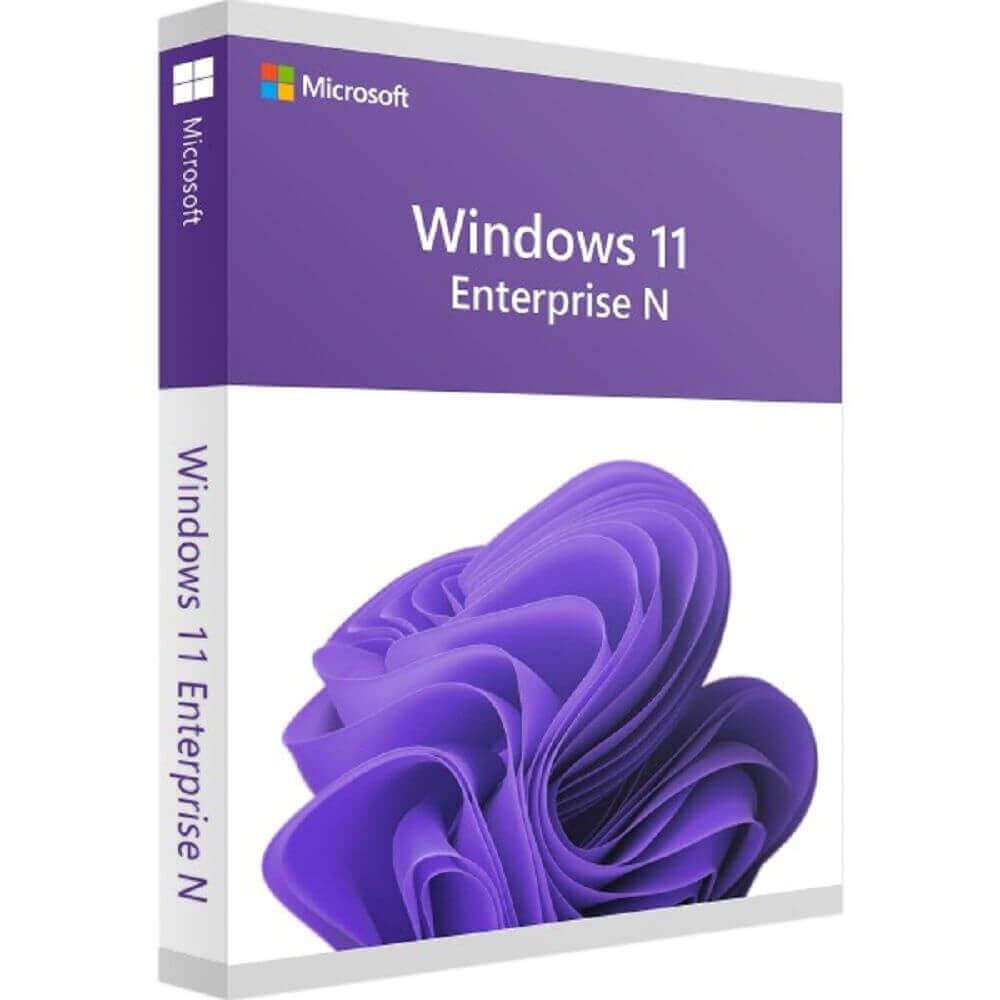
Windows 11 Enterprise N
 Immediately via email
 Free
Free Authentic Code
 Download Link
 Clear and detailed
 Multilingual
 Windows
 Lifetime
 Worldwide
 Full Version
Guaranteed Authenticity
All our softwares are 100% authentic, directly from official manufacturers.
Warranty
Enjoy peace of mind with our during the product's validity warranty, far beyond the standard 30 days.
Free Installation
Enjoy a free installation service for a hassle-free setup.
24/7 Customer Support
Our dedicated team is available anytime to assist you.
Best Prices
Get the best prices: AUD303.99!
Description
Windows 11 Enterprise N : Overview
Windows 11 Enterprise N is designed to deliver enhanced productivity and security for business environments. This version offers an intuitive interface, seamless collaboration, and optimised automation, making it ideal for organisations that require efficient device management and a reliable operating system across multiple workstations.
- Enables automated workflows both on desktop and via web applications, saving valuable time on repetitive tasks.
- Provides streamlined video conferencing features with easy microphone control directly from the taskbar.
- Includes docking aids that automatically save window layouts for improved multitasking on single or multiple screens.
- Supports volume licensing for multiple devices, ensuring a smooth rollout in corporate environments.
- Focuses exclusively on essential security updates without extra features, maintaining system stability and reliability.
- Integrates fully with Microsoft 365 applications, enhancing collaboration and productivity across teams.
Features of Windows 11 Enterprise N
Modern Interface and Optimised Productivity
Windows 11 Enterprise N offers a modern and user-friendly interface, designed to simplify navigation and boost productivity. Organisations benefit from a consistent structure that supports efficient operations while reducing the learning curve for employees.
Automated Team Collaboration
Automated collaboration features streamline repetitive processes across desktops and web platforms. This ensures team workflows are faster and more efficient, saving time and improving task management throughout the organisation.
Enhanced Conferencing and Docking Tools
Video conferencing is optimised with direct microphone control from the taskbar, allowing users to mute or activate audio quickly. Integrated docking tools help manage multiple windows and maintain layouts without repeated adjustments, supporting enhanced multitasking.
Licensing and Security of Windows 11 Enterprise N
Volume Licensing for Businesses
Volume licensing options allow organisations to deploy Windows 11 Enterprise N across multiple devices seamlessly. This facilitates enterprise-wide management without requiring individual product keys for each workstation, simplifying large-scale IT administration.
Advanced Security and Endpoint Protection
Advanced security features include endpoint detection, credential protection, and unified write filters. These tools safeguard sensitive corporate data and provide additional measures to prevent unauthorised access, ensuring a secure operating environment.
Compatibility and Microsoft 365 Integration
Windows 11 Enterprise N is fully compatible with Microsoft 365 apps, supporting a hybrid workplace model. Employees can leverage familiar productivity tools while maintaining secure access to corporate resources and updates for consistent performance across all devices.
System Requirements
- Operating System: Windows 11 Enterprise N, 64-bit
- Processor: 1 GHz or higher, compatible with 64-bit architecture
- RAM: Minimum 4 GB, recommended 8 GB for larger deployments
- Disk Space: Minimum 64 GB free for installation and updates
- Other Requirements: Internet connection for updates, Microsoft 365 app compatibility, administrative privileges for installation, support for multiple monitors
Frequently Asked Questions
-
What are the key benefits of Windows 11 Enterprise N for businesses?
Windows 11 Enterprise N provides enhanced productivity through a modern interface, automated processes, and secure system management, making it ideal for enterprise environments
-
How does Windows 11 Enterprise N improve team collaboration?
Collaboration is improved with automation of repetitive tasks, optimised video conferencing tools, and integrated docking features that support efficient multitasking
-
Can Windows 11 Enterprise N be deployed across multiple devices efficiently?
The operating system supports volume licensing, enabling deployment across multiple devices without requiring individual licenses, simplifying IT management for large organisations
-
How do I download and activate Windows 11 Enterprise N?
Once your purchase is complete, you will receive a secure download link and a valid license key by e-mail. Follow the installation instructions, enter your product key and start using Windows 11 Enterprise N immediately



