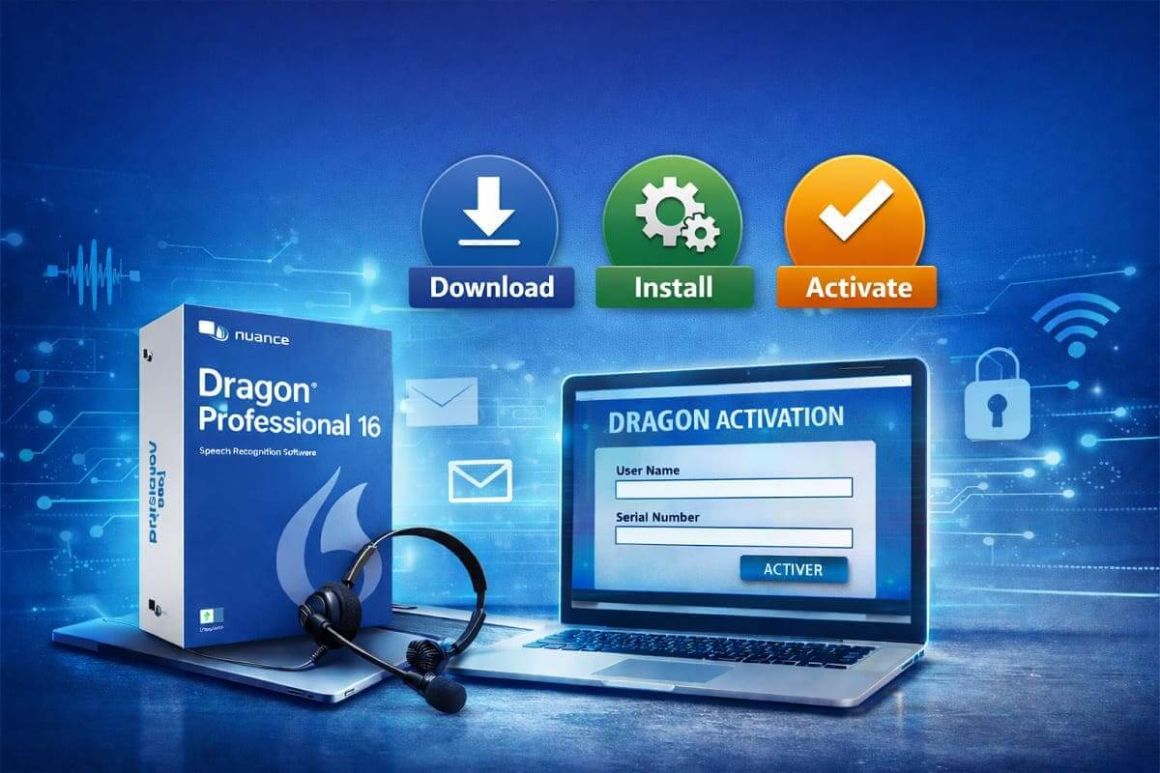
How to Download, Install, and Activate Nuance Dragon Professional 16
Introduction :
Nuance Dragon Professional 16 is a powerful speech recognition solution designed to significantly improve productivity through dictation and voice control of your computer.
To guide you step by step, this guide explains how to download, install, and activate Nuance Dragon Professional 16 easily and safely.
By following the steps below, you can quickly get your software up and running and start using it under optimal conditions.
-
System Requirements
Hardware Requirements
RAM: minimum 4 GB
Available disk space: minimum 8 GB
Internet connection: required for product download and automatic activation (short and anonymous process)
Software Requirements
Nuance Dragon 16 download file
Operating System: Microsoft Windows 10 or Windows 11
-
Steps to Follow
-
Download Nuance Dragon Professional 16
-
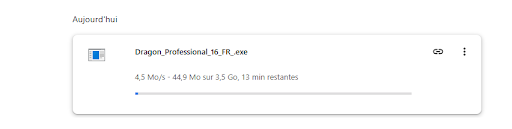
After receiving your Nuance Dragon Professional 16 order, please use the download link provided in the confirmation email to start downloading the software.
We recommend having a stable Internet connection to ensure the proper download of the installation file (.exe).

-
Once the Nuance Dragon Professional 16 file is downloaded, open your Downloads folder to access the installation file (.exe).
Verify that the download has completed successfully and that the file is present, then launch the installation to start using Nuance Dragon Professional 16 and fully enjoy its speech recognition features.
-
-
Install Nuance Dragon Professional 16
-
After downloading the file, open it and click “Install” to start the process.
If a Windows security message appears, click Yes to allow the installation.
-
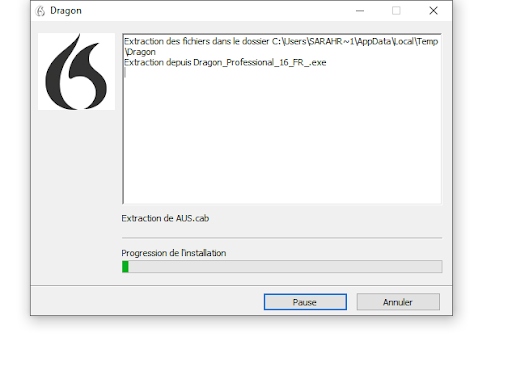
Please wait while the files are extracted; the installation progress is indicated by the green bar.
-
Click the “Install” button to allow the installation of the required Microsoft Visual C++ 2019 package for Dragon.
-
Once extraction is complete, the Dragon installation program will launch.
-
When the installation wizard opens, please click “Next” to continue installing Dragon.
-
On the license agreement screen, select “I accept the terms of this license agreement,” then click “Next” to proceed.
-
-
Activate Nuance Dragon Professional 16
-
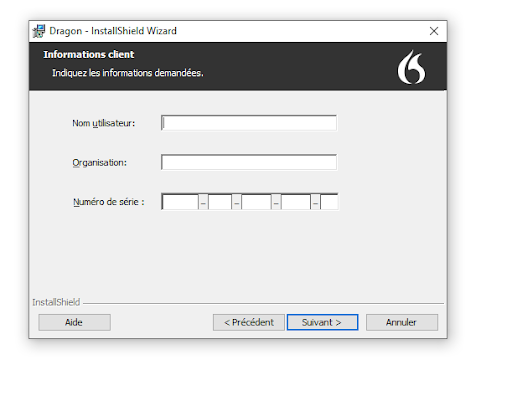
Fill in the requested fields (User Name, Organization, Serial Number), then continue by clicking “Next”.
Your Nuance Dragon Professional 16 is now successfully activated. You can start using it with full confidence.
-
-
-
Also Read







© 2026 ASA Int. Services Pte Ltd All rights reserved