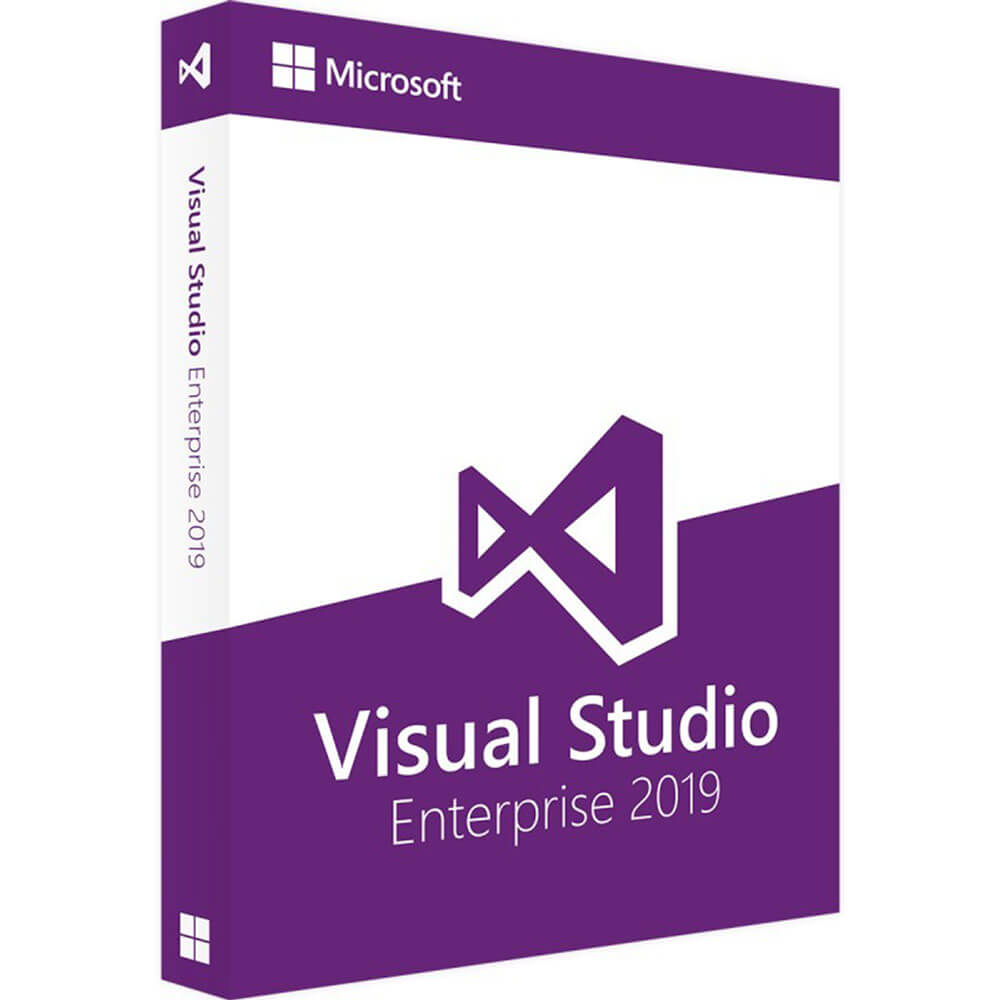
Microsoft Visual Studio 2019 Enterprise

Delivery Immediately via email
 Free
Free Authentic Code
 Download link
 Multilingual
 Windows
 Lifetime
 Worldwide
 Full Version
Guaranteed Authenticity
All our softwares are 100% authentic, directly from official manufacturers.
Warranty
Enjoy peace of mind with our during the product's validity warranty, far beyond the standard 30 days.
Free Installation
Enjoy a free installation service for a hassle-free setup.
24/7 Customer Support
Our dedicated team is available anytime to assist you.
Best Prices
Get the best prices: AUD3999.99!
Description
Develop your own application with the help of Visual Studio 2019 Enterprise
This new update of Visual Studio offers you everything you need to create attractive business applications and become more productive. Visual Studio 2019 Enterprise, is indeed, the best and most effective solution for any app, platform or developer. The software is now available on our online store Productkey24 for you to acquire and put to use.

Install Microsoft Visual Studio 2019 Enterprise and take advantage of extensive tools
This version of Visual Studio 2019 Enterprise offers you powerful and competent developer tools and resources such as access to basic Microsoft applications, Azure credits and discounts, collaborative services and professional technical support. These features can help you build applications in a simple and professional manner.
Debugging and Diagnostics
Visual Studio 2019 Enterprise provides some high business-level features of debugging and diagnostics, such as Time Travel Debugging IntelliTrace and Snapshot Debugger that allow you to spend less time debugging the application. The Time Travel Debugging preview allows you to record a web application while it is running on An Azure virtual machines. Snapshot Debugger, allows you to rewind and reproduce each line of code as many times as you wish by detecting all faults.
Updated Interface graphics
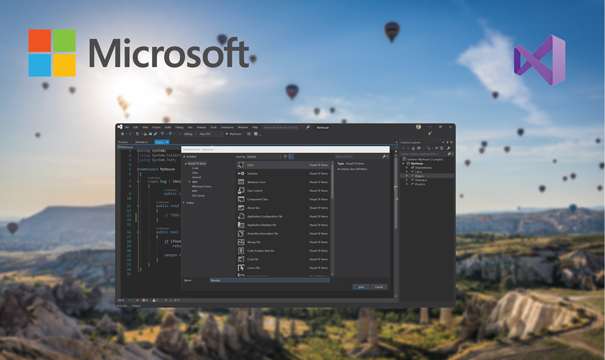
The interface of this updated version has been changed a bit. Now Visual Studio 2019 Enterprise brings an updated and advanced menu to choose the solution you need to work with. As a result, we can clone a Git repository from its source. In addition, the project creation menu has also been updated and the work interface is now more compact when the top bar with the title disappears, and integrates a simple search engine into the toolbar.
Azure Quickstart Templates
Quickstart Templates for Microsoft Azure provides you with a work application so you can proceed to immediate implementation in the cloud. Deploy your application in Azure directly from Visual Studio in one click by easily connecting to the database of your choice.